Team Work and Data Requests
Team Daily Work
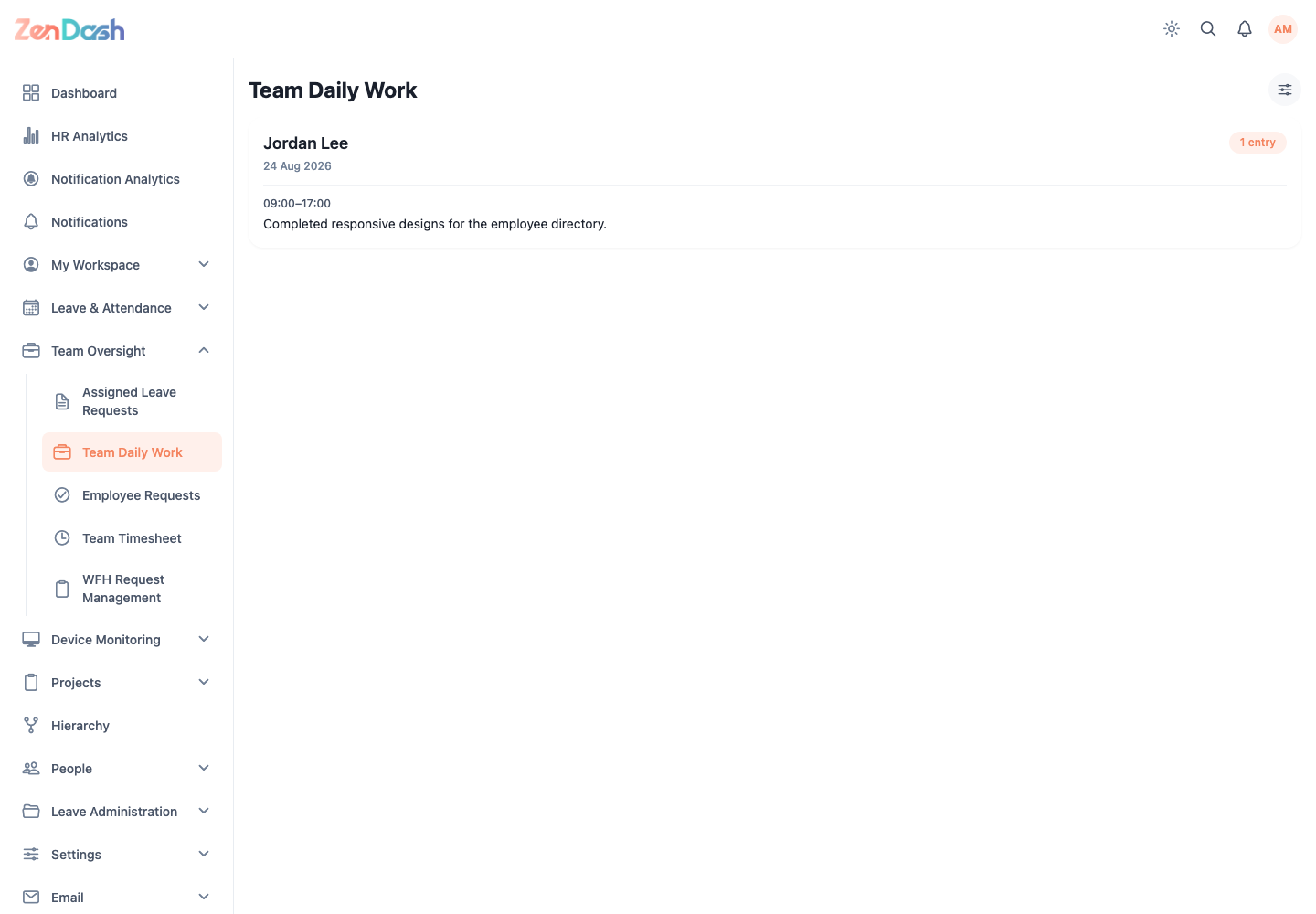
Open Team Oversight > Team Daily Work. Each card shows a team member, work date, entry count, time range, and work breakdown.
Use the filter control to select one or more Team member values and a Work date range. Pull to refresh on mobile or reload the list to get the latest updates.
Employee Requests
Open Team Oversight > Employee Requests to reach Data Change Requests. Use the status filters and Filters control to narrow requests by employee, document type, or request type.
Select View to compare the current and proposed data. Document requests can include preview and download controls. Select Approve to accept the change, or Reject and enter a message for the requester.
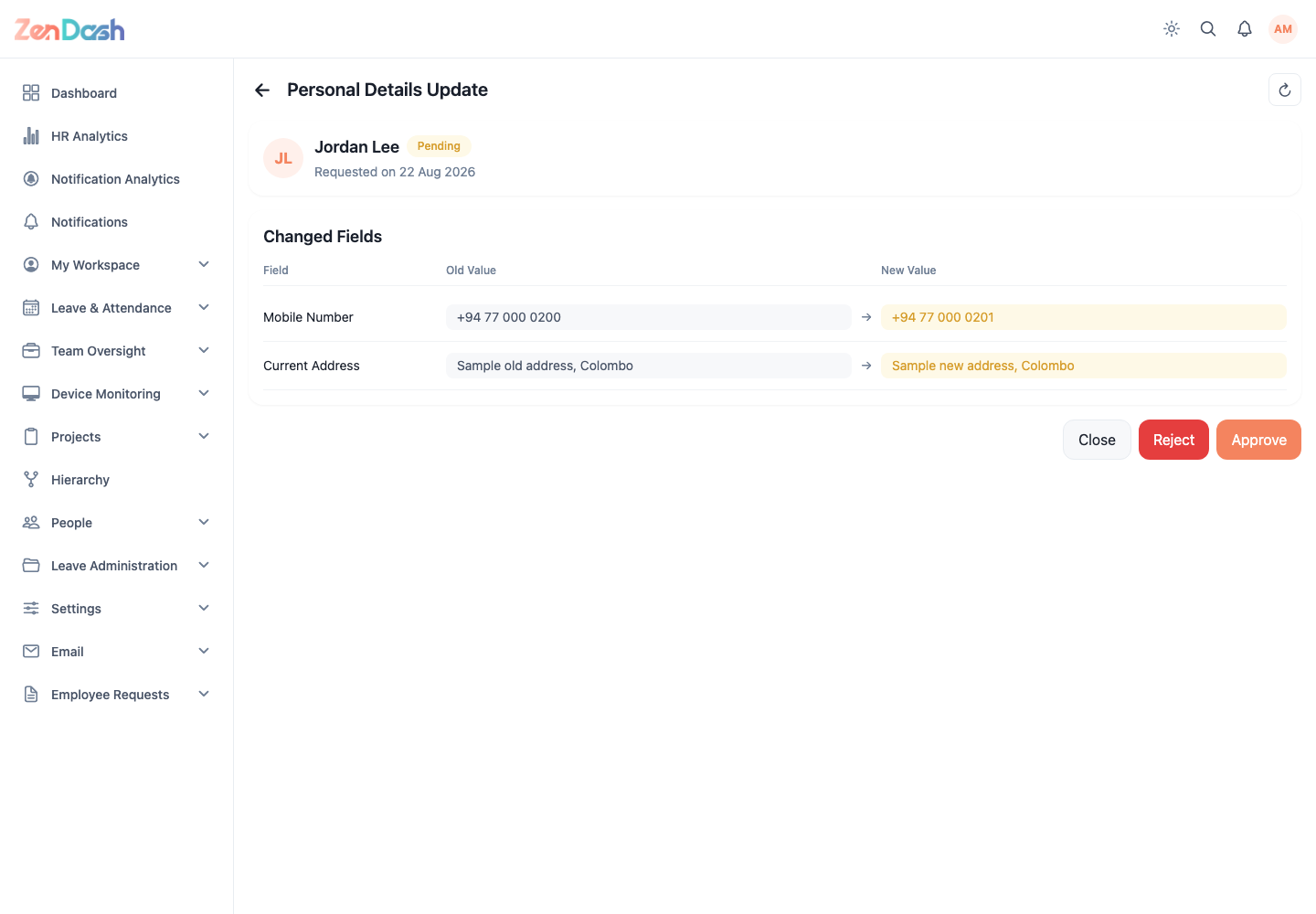
Approval changes an employee record or document state. Verify the employee, changed fields, and attachments before confirming.